
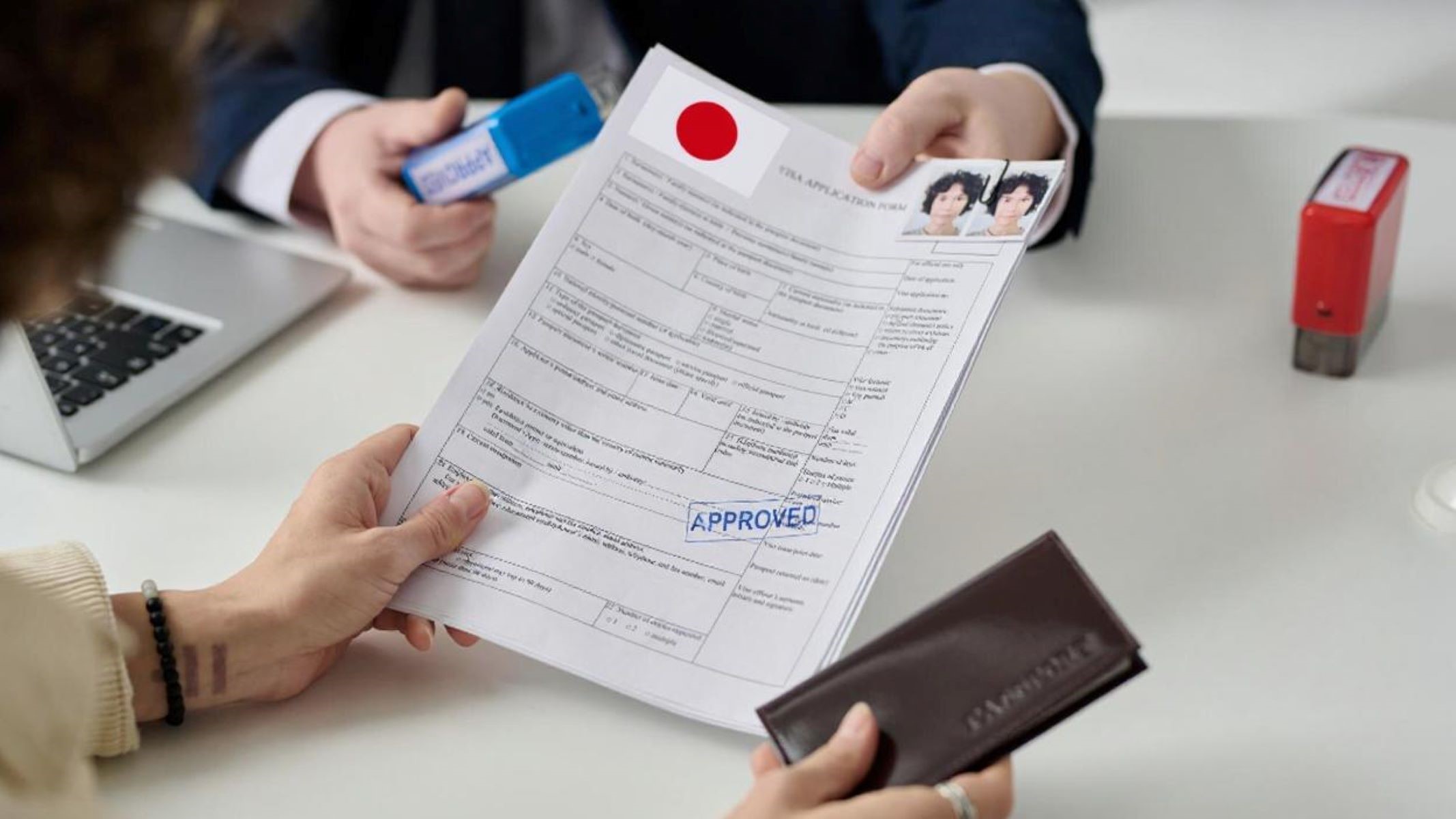
Getting ready to apply for a visa to Japan? One of the most important yet often overlooked parts of your application is the visa photo. A single photo can make or break your visa application if it doesn’t meet the strict requirements set by Japanese immigration authorities. In this guide, you’ll learn exactly how to create the perfect photo for your Japan visa application—step by step.
Japan Visa Photo Requirements
Size and Dimensions
Japan visa photos must measure exactly 45mm by 45mm, which translates to roughly 1.77 inches square. This perfectly square format is a key requirement, and any deviation—such as rectangular cropping or incorrect scaling—can result in rejection. Unlike some countries that use rectangular passport-style photos, Japan’s square dimension is distinctive and non-negotiable.
When preparing your photo, make sure the size is precise and that the head size fits the frame properly. Your head, from the chin to the top of the hair, should occupy about 70-80% of the photo height. It’s also important to avoid cropping too tightly or leaving excessive blank space around the head. Many U.S. applicants mistakenly submit photos that don’t match this exact dimension, so using a professional service or specialized software to crop and resize your photo accurately is highly recommended.
Background Color and Lighting
The background of your Japan visa photo must be plain white or off-white—no patterns, textures, or objects should be visible. This clean background helps ensure your face is the focal point and that there are no distractions or shadows that could complicate identification. A well-lit background also reduces the chance of shadows appearing behind your head or shoulders.
Lighting should be even and natural-looking to avoid harsh shadows or glare on your face. Avoid direct overhead lighting or strong sunlight that casts shadows or creates bright spots. Many people from the U.S. opt to take their photos near a large window on an overcast day or use soft artificial lights positioned at eye level. Remember, inconsistent lighting can cause your photo to be rejected, so aiming for a clear, evenly illuminated shot is critical.
Facial Expression and Posture
Your facial expression must be neutral and relaxed. This means no smiling, frowning, or any exaggerated facial expressions. Keep your lips closed and your mouth relaxed without showing your teeth. The goal is to produce a straightforward, clear image that accurately represents your face without any distortion caused by expressions.
Posture is just as important as expression. Face the camera directly with your head centered and upright—no tilting or turning to the side. Your shoulders should be relaxed but squared to the camera. Looking straight ahead with your eyes open and visible ensures the photo meets identification standards. Many applicants overlook these details, but keeping a calm, neutral demeanor combined with correct posture will help your photo pass inspection easily.
Step-by-Step Guide to Taking a Perfect Visa Photo
Taking the perfect visa photo for your Japan application can be simple if you follow a clear process. Each step—from choosing the right location to positioning yourself correctly—makes a big difference in meeting the strict photo standards. Below, we break down the essential steps you need to follow to ensure your photo is accepted without issue.
Choosing the Right Place and Lighting
Finding the right spot to take your visa photo is crucial for meeting Japan’s strict photo requirements. Ideally, you want a place with natural, even lighting to avoid harsh shadows and glare, which can distort your facial features or create dark spots on the background.
Here are some tips to choose the best location:
- Pick a spot near a large window where plenty of natural daylight comes in.
- Avoid direct sunlight, as it can create strong shadows or cause you to squint.
- Do not use overhead or single point artificial lighting that creates uneven illumination or shadows on your face or background.
- If natural light is limited, use two soft light sources positioned at eye level on either side of your face for balanced lighting.
- Ensure the lighting is consistent, so your face is evenly lit with no dark patches.
By following these tips, you will create a photo with clear, flattering lighting that meets the visa requirements perfectly.
Setting Up the Background
The background of your visa photo is just as important as the lighting. Japan’s visa photo rules require a plain white or off-white background without any patterns, shadows, or objects visible. This clean backdrop makes your face the focal point of the image.
To set up a proper background at home, try the following:
- Stand in front of a smooth, plain white wall free from marks or textures.
- If a plain wall isn’t available, hang a white sheet, large white poster board, or a clean piece of white fabric.
- Ensure the background is wrinkle-free and completely flat to avoid distracting shadows or folds.
- Use clips or tape to secure the sheet or fabric tightly, preventing it from shifting during the photo shoot.
- Check the background through your camera or phone screen before taking photos to confirm it looks evenly lit and perfectly plain.
A clean, wrinkle-free white background will help your photo meet the official standards and look professional.
Positioning Yourself Correctly
Your posture and position relative to the background and camera significantly impact whether your visa photo will be accepted. Standing at the right distance and posing correctly prevents unwanted shadows and ensures your face is fully visible and properly framed.
Follow these positioning tips:
- Stand about 3 feet (around 1 meter) away from the background. This distance helps prevent shadows from appearing on the background.
- Keep your shoulders relaxed but squared to the camera for a natural posture.
- Face the camera directly, with your head centered and upright—avoid tilting or turning your head.
- Maintain a neutral facial expression: eyes open, mouth closed, no smile or frown.
- Position the camera or smartphone at eye level so the photo looks natural and straight-on.
- Take multiple shots, adjusting your distance or posture if needed to get the best result.
By carefully positioning yourself, you ensure your photo meets the strict Japan visa photo guidelines without shadows or awkward angles.
Tools and Equipment for Visa Photos
When preparing your Japan visa photo, choosing the right tools and equipment can make a huge difference in meeting the strict requirements. Whether you decide to use a camera, smartphone, or a professional photo booth, understanding the pros and cons of each will help you get the best result. Additionally, knowing how to properly use photo editing software can help you perfect your image without crossing the line into unacceptable alterations.
Cameras vs Smartphones
In today’s digital age, many people rely on their smartphones to take visa photos. Modern smartphones often come equipped with excellent cameras capable of capturing high-resolution, clear images suitable for official documents. To maximize quality, it’s best to use the rear camera rather than the front-facing “selfie” camera, as it generally has higher resolution and better optics. Adjust your phone’s settings to the highest resolution possible, disable any beauty filters or enhancements, and ensure the image is sharp and well-lit.
That said, dedicated cameras, such as DSLRs or mirrorless cameras, still hold an advantage in terms of image quality, control over settings, and lighting adjustments. If you have access to a professional or semi-professional camera, you can often achieve better clarity and color accuracy, which may reduce the risk of photo rejection. However, using a smartphone correctly can yield excellent results without the need for expensive equipment.
Using Photo Booths
Photo booths designed specifically for passport and visa photos are widely available in many cities, including across the U.S. These booths are tailored to meet government photo specifications, including size, background, and lighting. Using a photo booth is a convenient and reliable way to obtain a compliant visa photo quickly, especially if you are unsure about taking the photo yourself.
These booths typically have built-in lighting and backgrounds that comply with the white or off-white background requirements. They also provide instant prints in the correct dimensions and format, reducing the risk of errors related to size or cropping. While photo booths may cost slightly more than doing it yourself, the peace of mind they provide can be well worth the price for many applicants.
Photo Editing Software (Dos and Don’ts)
Using photo editing software to fine-tune your visa photo is acceptable within certain limits. Basic adjustments like cropping the photo to the exact 45mm by 45mm size, correcting the color balance, and adjusting brightness or contrast to ensure clear visibility are perfectly fine and often necessary. Many free and paid apps or software can help you make these simple edits easily.
However, it’s very important not to digitally alter your facial features, such as smoothing skin, changing eye color, or reshaping the face, as these manipulations are strictly prohibited. Also, do not alter or replace the background digitally if it doesn’t meet the plain white or off-white criteria. Alterations that make the photo appear unnatural or significantly different from your real appearance will almost certainly lead to rejection by the Japanese visa authorities.
| Tool/Equipment | Advantages | Disadvantages | Best Use Case |
| Smartphone Camera | Convenient, high resolution, easy to use | May lack advanced settings, lighting depends on environment | Good for DIY photos with proper lighting |
| Professional Camera | Superior image quality, manual settings | Expensive, requires some photography knowledge | Ideal for high-quality, professional results |
| Photo Booth | Ensures compliance, quick prints, standard lighting | Costly, less control over photo style | Best for hassle-free, guaranteed compliant photos |
| Photo Editing Software | Allows cropping and basic correction | Risk of over-editing or non-compliance | Useful for final adjustments, not for major edits |
Common Mistakes to Avoid
Incorrect Background or Shadows
One of the most common reasons for visa photo rejection is the presence of an improper background or shadows. Japan’s visa photo rules clearly require a plain white or off-white background with no patterns, colors, or objects visible. Busy or colored backgrounds distract from the applicant’s face and can make it difficult for immigration officers to clearly identify you.
Shadows, either on your face or on the background, are another frequent problem. Shadows can be caused by improper lighting, standing too close to the background, or using harsh directional light. These shadows obscure facial details or create unevenness that violates the photo specifications. To avoid this, ensure the background is smooth and well-lit and stand far enough from it to prevent shadows.
Improper Photo Size or Cropping
Japan requires the visa photo to be exactly 45mm by 45mm. Submitting a photo that is too large, too small, or not a perfect square is a common mistake that can delay your visa approval. Additionally, cropping the photo incorrectly—either too tightly around the face or leaving too much empty space—can cause rejection.
It’s essential to crop your photo so that your head fills about 70-80% of the frame, with a clear view of your entire face and upper shoulders. Many people underestimate how precise the dimensions must be, so using proper tools or professional services to size and crop the photo is highly recommended.
Wearing Hats, Glasses, or Accessories That Are Not Allowed
Japan’s visa photo guidelines generally prohibit wearing hats, head coverings, or glasses in your photo unless they are worn daily for religious or medical reasons. Hats and headwear can obscure your hairline and facial features, which are important for identification. Similarly, glasses can cause glare or obscure your eyes, especially if they have tinted lenses or thick frames.
If you must wear glasses for medical reasons, ensure there is no reflection or glare, and your eyes are clearly visible. Otherwise, remove all headwear, sunglasses, and large accessories before taking your photo. Even small violations in this area can result in photo rejection.