
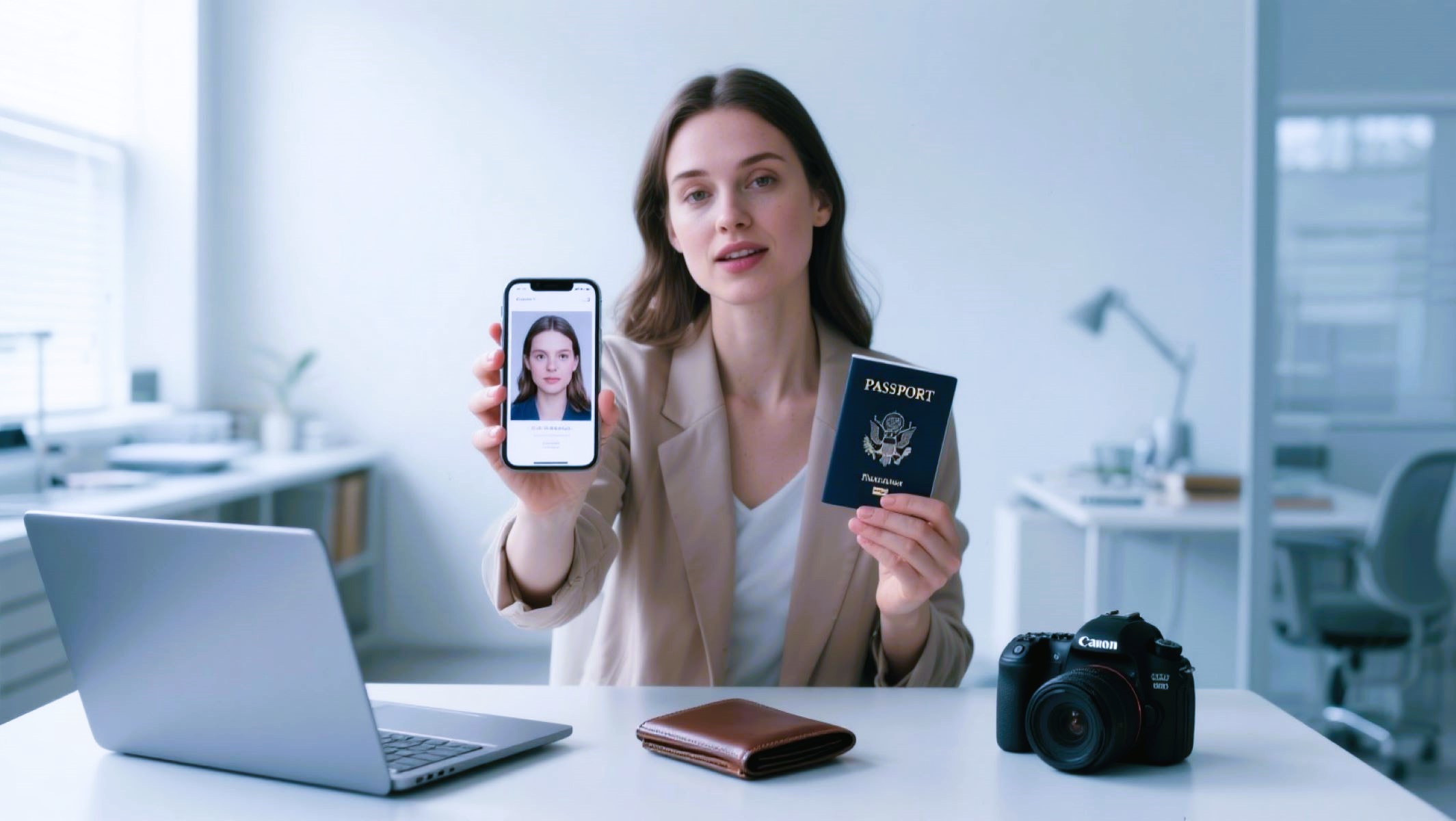
If you’re applying for a us passport photo, one of the most important—but often overlooked—parts of your application is the passport photo. Getting it right is crucial because a simple mistake can delay your passport or even cause your application to be rejected. But why does it matter so much? And what are the exact rules?
Why Passport Photo Standards Matter
Passport photos might seem like a simple formality, but they actually play a critical role in the passport application process. These photos help government officials verify your identity quickly and accurately. Since a passport is an official travel document used worldwide, the photo must clearly represent you as you currently look. This prevents identity theft, fraud, and misuse of passports by individuals who are not the rightful owners. If your photo doesn’t meet the official requirements, it can cause delays or outright rejection of your application, costing you time and money.
Overview of Official US Passport Photo Guidelines
The U.S. Department of State has very specific rules about how your passport photo should be taken and presented. First, the size must be exactly 2 inches by 2 inches (51 mm x 51 mm). The photo needs to be in color, not black and white, to capture your natural skin tone and features accurately. The background must be plain white or off-white, free of shadows, patterns, or textures, so the focus is only on your face.
Your entire face must be clearly visible and centered, with your head positioned squarely facing the camera. You should maintain a neutral expression or a natural smile with both eyes open. Wearing hats, sunglasses, or any head covering is not allowed unless it’s for religious or medical reasons and your face remains fully visible. Glasses are generally prohibited since 2016, unless you have a medical exemption. Also, your photo must have been taken within the last six months to reflect your current appearance.
Common Errors in US Passport Photos
Despite clear guidelines, many applicants unknowingly make mistakes that cause their passport photos to be rejected. These errors range from technical issues with size and quality to simple oversights like wearing prohibited accessories. Understanding these common errors can help you avoid delays in your passport application.
- Using the wrong photo size or proportions
- Poor or uneven lighting causing shadows
- Incorrect or cluttered background
- Facial expressions that don’t comply with rules
- Wearing hats, glasses, or accessories that obscure the face
- Blurry or low-resolution photos
- Photos older than six months
- Digital edits or filters altering appearance
Incorrect Photo Size and Dimensions
One of the simplest yet most frequent mistakes is submitting a photo that is not exactly 2 inches by 2 inches. This strict size requirement ensures the photo fits perfectly into the passport booklet and meets international standards. Photos that are too large, too small, or distorted due to resizing or cropping will be rejected by the Department of State. Many people mistakenly print photos at home without verifying dimensions, which often leads to errors.
To avoid this, always measure your photo with a ruler before submission or use a professional photo service that guarantees compliance. The size requirement also includes the proper positioning of your head within the photo frame: your head height should be between 1 inch and 1 3/8 inches from the bottom of the chin to the top of the head. Following these precise dimensions is crucial for acceptance.
Poor Lighting and Shadows
Lighting plays a vital role in the quality and acceptability of your passport photo. Harsh lighting or poor placement can create shadows on your face or the background, which obscures facial features and causes the photo to be rejected. The lighting must be even and natural, illuminating your face without glare, reflections, or harsh contrasts.
Ideally, the photo should be taken in a well-lit room with natural light or soft artificial lighting that avoids shadows behind your head or on your shoulders. Avoid overhead lights or bright windows directly behind you, as they can cause shadows or uneven exposure. Consistent lighting also helps to reproduce your true skin tone, which is an important requirement.
Wrong Background Color or Pattern
The background in your passport photo is not just a backdrop; it’s a critical component that must comply with official regulations. The US Department of State mandates a plain white or off-white background with no patterns, textures, or objects visible. This helps your face stand out clearly and prevents distractions that could interfere with facial recognition systems.
Many applicants accidentally use backgrounds with shadows, walls that are not pure white, or textured fabrics, all of which lead to rejection. Even light-colored furniture or clutter can cause problems. To ensure your background is correct, stand at least a few feet away from any wall, and use a smooth white surface or backdrop. Avoid anything that draws attention away from your face.
How to Avoid Common Passport Photo Mistakes
When applying for a US passport, avoiding mistakes in your passport photo can save you time, money, and frustration. One of the most important steps is to follow the official photo size and format precisely. The photo must measure exactly 2 inches by 2 inches (51 mm x 51 mm). Even slight deviations in size or proportions can cause your photo to be rejected. To ensure accuracy, it’s best to use a ruler to measure the photo yourself or rely on professional photo printing services that guarantee compliance with US Department of State requirements. Printing at home without proper tools or templates can easily result in photos that do not meet the size standards, so caution is essential.
Along with size, maintaining proper lighting and a suitable background is critical. Your photo should be taken in a well-lit environment using natural or diffused light to avoid shadows, glare, or uneven brightness. The background must be a plain white or off-white surface with no objects, textures, or patterns. This clean backdrop allows your face to stand out clearly, which is important for identity verification. Using a brightly lit room with a plain wall or a professional backdrop will help you achieve this. Remember, poor lighting or a busy background will likely cause your photo to be rejected and force you to retake it.
Maintaining a neutral facial expression is another key factor. You should look directly at the camera with your eyes open and mouth closed, or you may have a subtle, natural smile without showing teeth. Practicing your expression in front of a mirror beforehand can help you feel more confident and ensure you meet the official requirements. Exaggerated smiles, frowns, or closed eyes will disqualify your photo. The goal is to look natural and relaxed, making it easier for officials to identify you based on the photo.
In addition, removing accessories such as hats, headphones, or large jewelry is essential unless they are worn for religious or medical reasons. Glasses are generally not allowed unless you have a medical exemption and no glare appears on the lenses. The key is to present a clear, unobstructed view of your face so that your features are easily recognizable.
| Mistake to Avoid | What to Do | Why It Matters | Tips for Success |
| Incorrect photo size and format | Use a ruler or professional service to print | Ensures your photo fits official passport specs | Double-check size before submission |
| Poor lighting and shadows | Take photo in natural light, avoid shadows | Prevents unclear images and helps facial recognition | Use a plain white backdrop and soft light |
| Wrong background color or pattern | Use a plain white/off-white background | Keeps focus on your face without distractions | Avoid textured or colored walls |
| Facial expression mistakes | Maintain neutral face or slight natural smile | Makes identification easier for officials | Practice expressions in front of a mirror |
| Wearing glasses or accessories | Remove glasses/headwear unless medically necessary | Avoids glare and face obstruction | Follow medical exemption rules if applicable |
Tips for Taking a Perfect US Passport Photo at Home
Taking your passport photo at home is a convenient and cost-effective option, but it requires attention to detail. The first step is setting up your space properly. Choose an area with a plain white or off-white wall that has no patterns or distractions. The space should have plenty of natural light—ideally near a large window or in a room with soft, even lighting. This setup helps avoid shadows and keeps the photo bright and clear. Avoid direct sunlight that causes harsh shadows or squinting, and do not use flash as it may create glare or uneven illumination.
Using a tripod or placing your camera or smartphone on a stable surface is the next important tip. Blurry photos are a common reason for passport photo rejection, and shaky hands often cause this issue. A tripod ensures the camera stays still during the shot, producing a sharp, high-quality image. If you don’t have a tripod, prop your device against a stack of books or a stable object to keep it steady. This stability also helps you frame the photo correctly without rushing.
When it comes to equipment, choosing the right camera or smartphone can make a big difference. Most modern smartphones have high-resolution cameras capable of producing suitable passport photos. Make sure to clean the lens before taking your photo for maximum clarity. Use the rear camera (instead of the front selfie camera) if possible, as it generally offers better resolution. Set the camera to the highest photo quality, and avoid using filters or editing tools that alter your natural appearance. The goal is a crisp, clear, unaltered image that meets official standards.